

My queue includes you.
Queue, the simple, personal CRM for Mac and iPhone, now syncs Apple Mail and Calendar. Email threads and catch ups sync automatically, across every account on your Mac, with summaries generated privately on-device.
Believe it or not, I use Queue to keep in touch with you: my users. When you reach out with feedback, I keep track of your bug reports, feature requests, compliments, and complaints so that when I make the app better, I can let you know personally.
But just reaching out when something broken gets fixed or something new gets released feels transactional. As with all of my meaningful relationships, I want to be in touch regularly to see how things are going.
Now, Queue syncs with Apple Mail and Calendar to make keeping in touch with all of you about work just as easy as keeping in touch with my family and friends. It turns out our work and personal lives are often one and the same, which I know because some of you have become genuine friends over the years.
When Sean from Texas emails to ask about my plans to incorporate all the Apple Intelligence updates coming with macOS and iOS 27, I get a tidy little summary of our thread. He’s in my esteemed “Queusers” group with a catch up schedule of every three months, so next time we chat I can make sure to lead with what actually shipped. And when we hop on a call, Queue automatically pulls our catch up from my Apple Calendar and resets my reminder for next time.
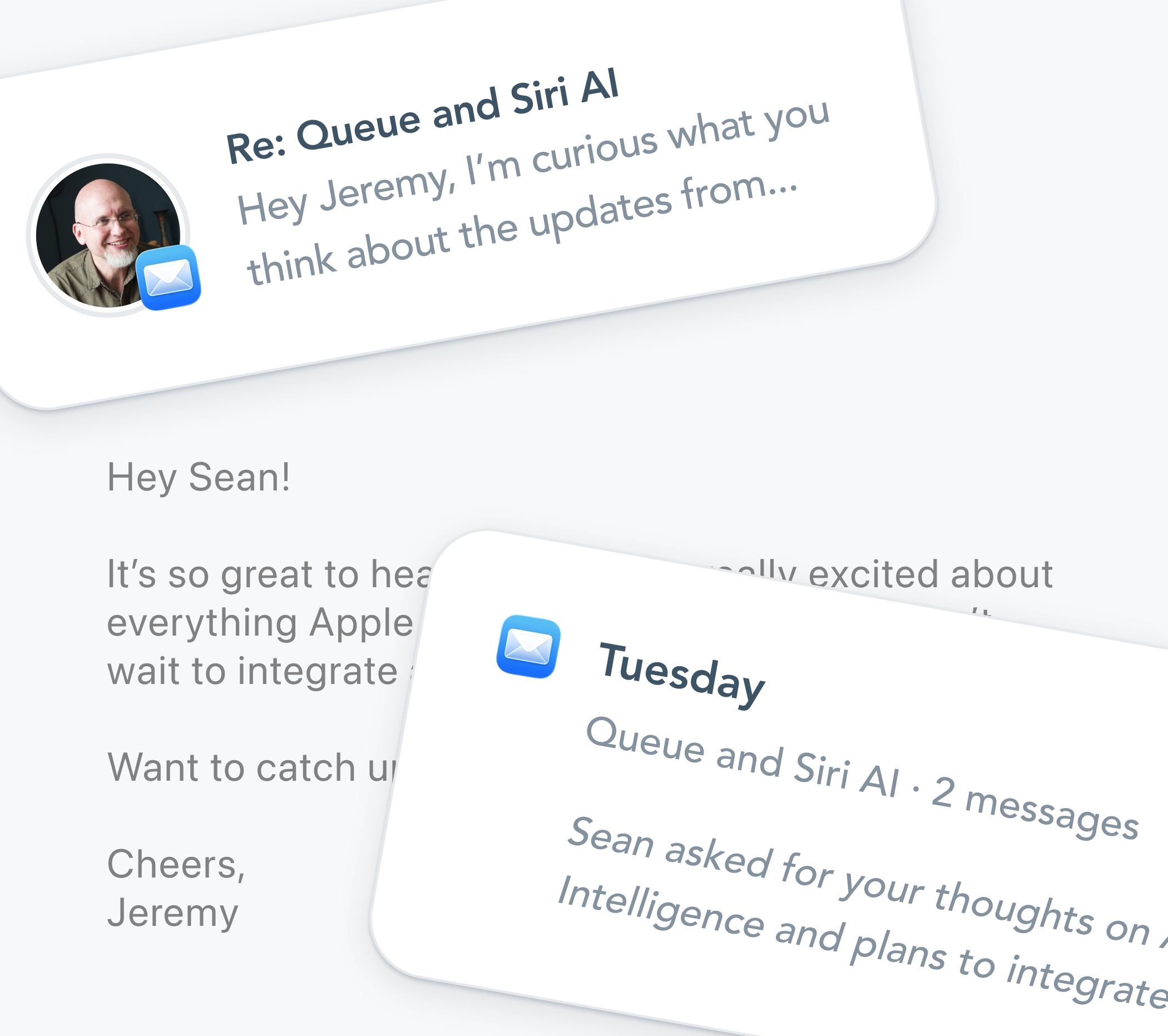
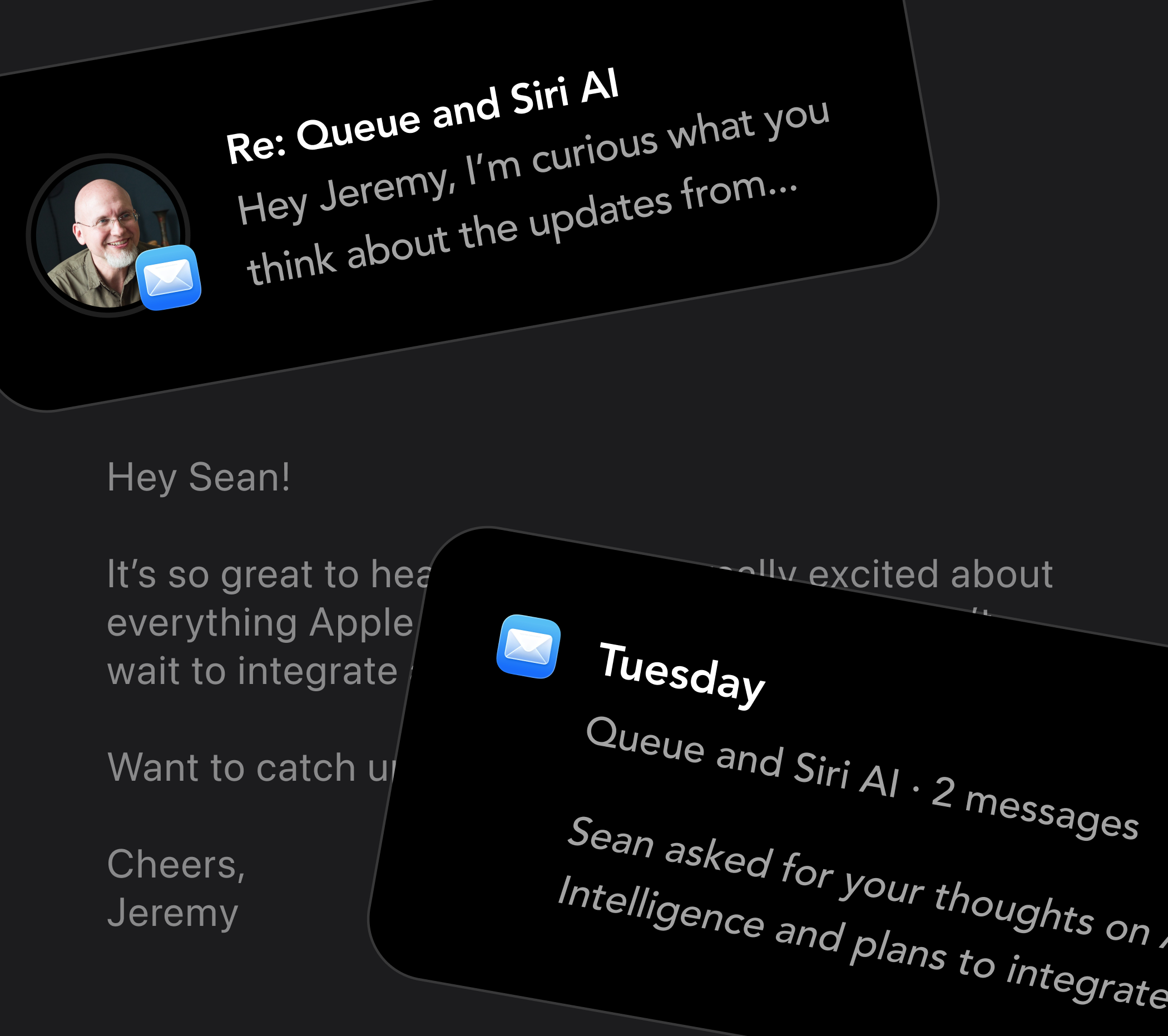
Mail and Calendar sync works across all of the accounts on my Mac, including Gmail and Google Calendar (Calendar syncing works on iPhone too). So I can keep in touch with all of you from my jeremy@queue.community email and calendar right alongside the people from my personal email and calendar. My work and personal accounts are integrated, just like real life.
And like iMessage sync, Queue analyzes and summarizes my Apple Mail threads entirely on my Mac, and never sends any email or text message content to any server. I’ve written much more about the way Queue syncs privately, intelligently, and (optionally) automatically at queue.community/sync.
All this is to say, I’d love nothing more than to hear from you. If there’s anything else you’d like to know, please email me 🧡